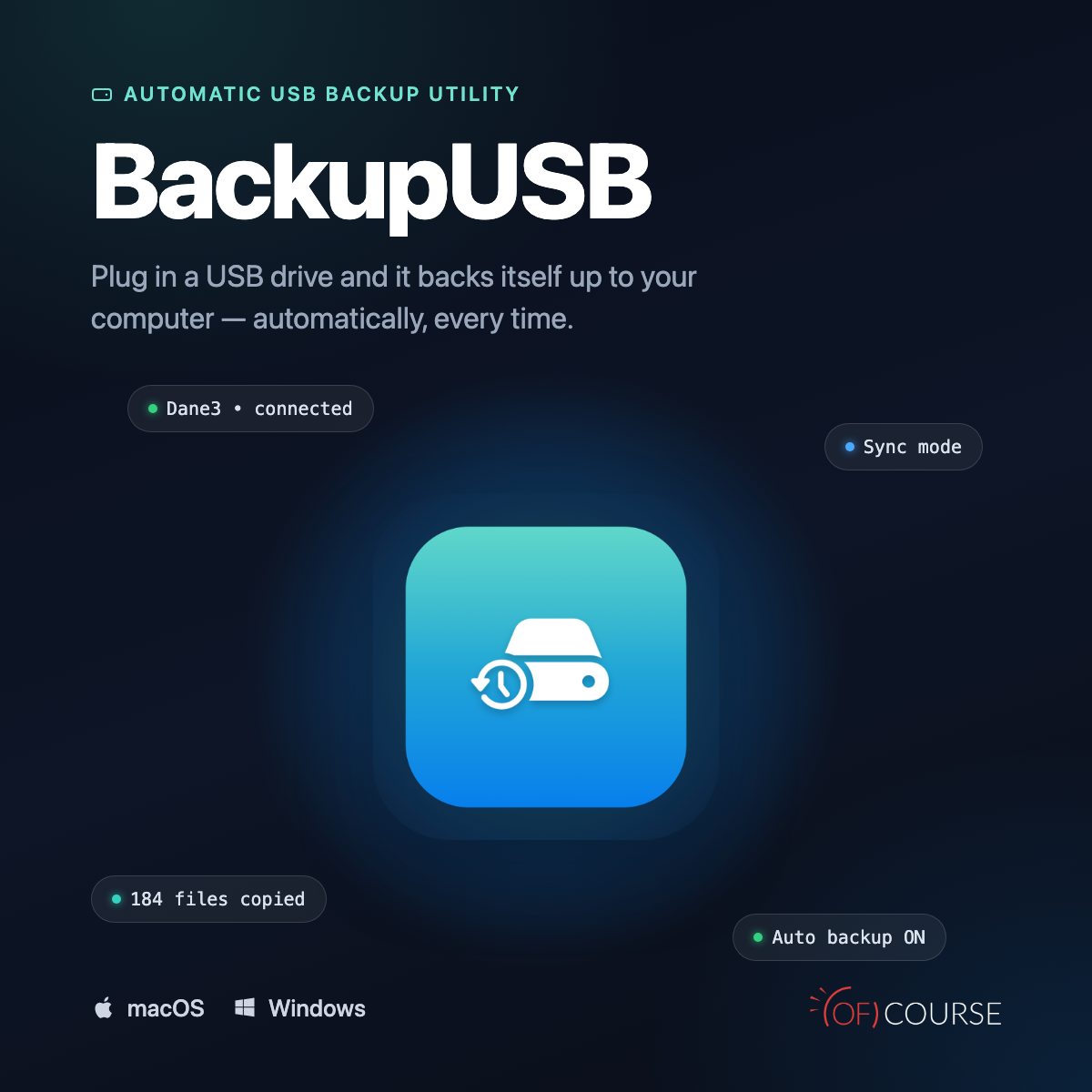
A lightweight macOS menu-bar app that automatically performs one-way backups of your USB drives to your Mac — no clicking, no remembering to back up. Plug in the drive, and the app recognizes it and starts copying in the background.
Key Features
– Automatic backup on USB drive connection — with notification and progress bar
– Configuration stored directly on the drive (hidden file on the volume) — settings travel with the drive, so the same USB drive works the same way on any Mac it’s been set up on
– Two backup modes:
– Sync — a single, always up-to-date copy (optional full mirror: files deleted from the source are also removed from the backup)
– Dated — a daily dated snapshot in its own folder
– Incremental copying — skips unchanged files, only copies new or modified ones
– Choose specific source folders on the drive (not just the entire volume)
– Activity log with clear, translated error messages (e.g. permission issues, missing source files)
– Safe drive ejection from within the app
– Optional launch-at-login
– Fully bilingual interface (English/Polish), switchable without restarting the app
How It Works
1. Configure the USB drive in the app (destination folder on your Mac, backup mode, source folders)
2. Plug in the drive — BackupUSB automatically recognizes it from its saved configuration
3. Copying starts in the background, with a notification and progress bar
4. On the next connection, only changes are copied
System Requirements
– macOS 14 or later
– Windows 10 or later
Activation
Single-seat license, verified online after signing in with your OF COURSE store account. License can be transferred to another computer.
Support & Resources
Download macOS
Download Windows
– Free trial version available
– Automatic updates built into the app
– Contact: support@ofcourse.design